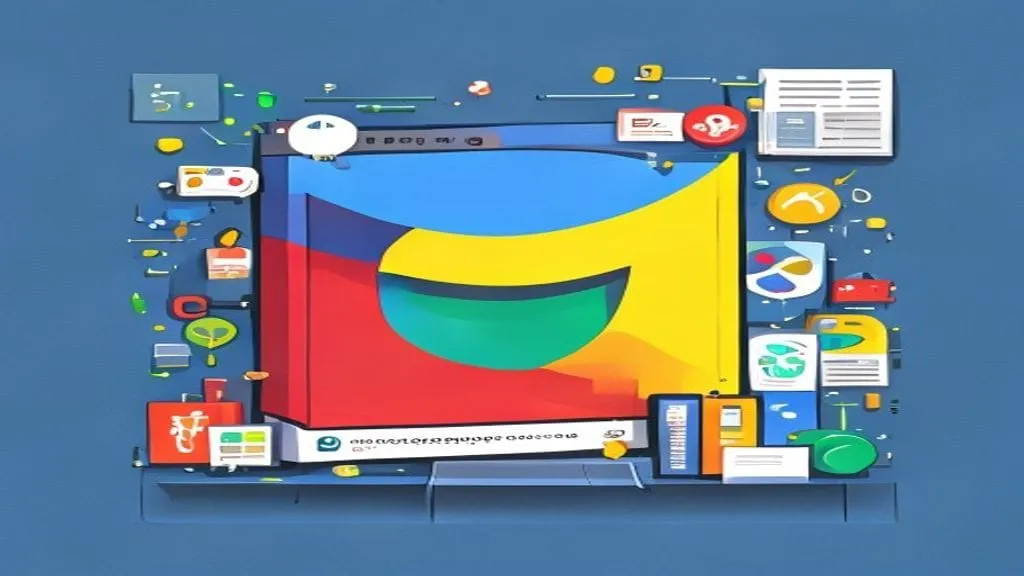
Google is rolling out two updates to Google Vids that let you build a video by typing a sentence and star in it without ever pressing record. The first, Gemini Omni, turns plain-language descriptions into editable video clips. The second, personal avatars, builds a digital double of your face and voice from a single selfie and a short audio sample [S1]. Together they push Google's workplace video tool closer to something that feels less like editing software and more like a conversation. But the fine print on who gets in, and what the model can actually do, matters more than the demo reel suggests.
How Gemini Omni changes the editing flow
Gemini Omni is the model doing the heavy lifting here. Google's DeepMind team describes Gemini Omni Flash as a model that can create content from almost any input, with video as its starting point [P5]. Its model card was published in May 2026 [P6], and it now sits inside Vids as the engine for generating and editing clips.
The practical shift is in how you work. You type what you want to see in natural language and can attach image references, like a photo or a rough sketch, for extra detail [S1]. The model generates the clip. Then, instead of starting over when something is off, you can ask for step-by-step edits in everyday language: swap the background, fix the lighting, add an effect [S1]. That is a real break from how most AI video tools have worked, where each prompt produces a fresh clip and tweaking one element means regenerating the whole thing.
This builds on a steady cadence of upgrades. In February, Google rolled out Veo 3.1 to all Vids users, letting anyone in the tool generate video [S1]. Before that, an April update brought Lyria 3 and Veo 3.1 into Vids with high-quality video generation at no cost and custom music creation [P3]. Gemini Omni is the next layer: it generates clips from scratch and also edits what you already have.
The selfie avatar
The second update is the one that will make people lean in or recoil. You upload a selfie and a short voice recording. From there, you type what you want to say and your avatar delivers the message. No further recording required [S1].
Google has built guardrails around it. Personal avatars are tied to your Google Account and restricted to your own likeness, so you cannot build a double of someone else [S1]. Access is limited to users 18 or older in certain regions, though Google has not named which regions are in or out [S1]. Every AI-generated clip in Vids carries an invisible SynthID digital watermark, a signal embedded in the pixels that can identify content as machine-made [S1].
Google says users have created millions of videos in Vids over the past year [S1]. That figure is self-reported, with no independent verification, and it covers the period before either of these features existed.
What it means
The core change is simple: video is becoming a thing you describe rather than a thing you assemble. If you have used a slide deck, you can use this. You type a prompt, you get a clip, you ask for a tweak. The avatar feature takes that one step further by removing the camera from the equation entirely. You write a script, your digital face reads it.
For anyone who has stared at a timeline in Premiere or Final Cut and given up, the appeal is obvious. The barrier to making a short, presentable video drops from "learn editing software" to "write a sentence." The trade-off is control. You are working within what the model can generate and interpret, and the gap between what you type and what you get will depend on how good Gemini Omni Flash is at understanding intent. Google's own model card acknowledges that it carries known limitations, though the card does not detail them in the material available [P6].
What it means for business
The first people to feel this are small teams that already live in Google Workspace. A two-person consultancy that needs a 30-second explainer for a client pitch can now draft it in Vids without hiring a freelancer or learning a timeline editor. A suburban real estate agency could produce listing walk-throughs by typing descriptions of each room and letting Omni generate the visuals. A cafe owner who wants a social post about a new menu item can type the idea, get a clip, and narrate it through a personal avatar without setting up a ring light.
The cost structure is already set. Gemini Omni and personal avatars are available to Google AI Pro and Ultra subscribers and to Google Workspace business customers [S1]. If your company is already on a paid Workspace plan, these features land inside a tool you already have. If you are on a free personal Google Account, you are out of luck for now.
The SynthID watermark matters for any business posting these clips publicly. It is invisible to viewers but detectable by tools designed to read it, which means AI-generated content from Vids carries a traceable signature. For brands worried about disclosure rules or platform policies on synthetic media, that watermark is a built-in compliance signal, though how widely platforms will scan for and act on SynthID remains an open question.
What we don't know yet
Google's announcement is a single-source story. Every claim comes from Google's own blog post [S1], with no independent hands-on testing, no third-party reviews, and no benchmark data on Omni's video quality inside Vids. The "millions of videos" figure is self-reported and unverified [S1].
We do not know which regions get personal avatars or when the feature might expand. We do not know how convincing the avatars look and sound in practice, how long generation takes, or what the quality ceiling is for Omni-generated clips compared with footage from a real camera. We do not know what specific limitations the model card references [P6]. And we do not know whether competitors like Microsoft's Copilot Studio or Canva's AI video tools will match this text-to-edit workflow in the near term.
The next signal to watch is whether independent reviewers get access in the coming weeks, and whether Google publishes a fuller breakdown of Gemini Omni Flash's capabilities and limits. Until then, the demo is a promise, not a tested product.
If you want to read the next instalment as soon as the hands-on verdicts land, subscribe and we will have it in your inbox.
Sources
- [S1] Create, edit and star in videos with two Google Vids updates — Google — The Keyword (AI) (primary)
- [S2] Create, edit and star in videos with two Google Vids updates - blog.google — Google News — ChatGPT / Claude / Gemini / Copilot (verified 2026-07-08) (reported)
- [P3] Google Vids updates include high-quality video generation at no cost and more — Google Vids updates include high-quality video generation at no cost and more (primary)
- [P4] google-deepmind/videoprism — google-deepmind/videoprism (attributed)
- [P5] Introducing Gemini Omni — Introducing Gemini Omni (primary)
- [P6] Gemini Omni Flash - Model Card — Google DeepMind — Gemini Omni Flash - Model Card — Google DeepMind (primary)
More from Not A Tech Guy
- Adversarial prompting framework finds encoded attacks bypass AI safety
- Agent-ready websites nearly double AI shopping agent success
- OriginBlame cuts AI training over-deletion from 101x to 1.3x
Generated from an audited evidence pack with primary-source research. Social-media items are discussion signals, not verified facts. Nothing here is financial, legal or medical advice.