Callstack shipped agent-device, a package that hands AI coding agents the ability to drive applications on mobile, web, TV, and desktop environments, and the repo climbed onto GitHub's daily trending list with 21 fresh stars and 5,384 total S¹. Most coding assistants today can write a fix but cannot open the app or read the screen to check whether the fix worked.
The project now sits at 5,371 stars with 400 forks and 117 open issues on its own GitHub page, under an MIT licence P².
My read: The accessibility-snapshot approach is the right instinct. Screenshots force an agent to reason over pixels, which burns tokens and often misses the semantic structure of a UI. Feeding an agent a structured accessibility tree is cheaper and more reliable. What I cannot verify from the evidence is the customer claims. Expensify and Shopify usage comes solely from the maintainers' own README, with no independent confirmation. The number I would watch is the open-issue count: 117 open issues against 5,371 stars is a ratio worth tracking as adoption scales.
The problem is concrete.
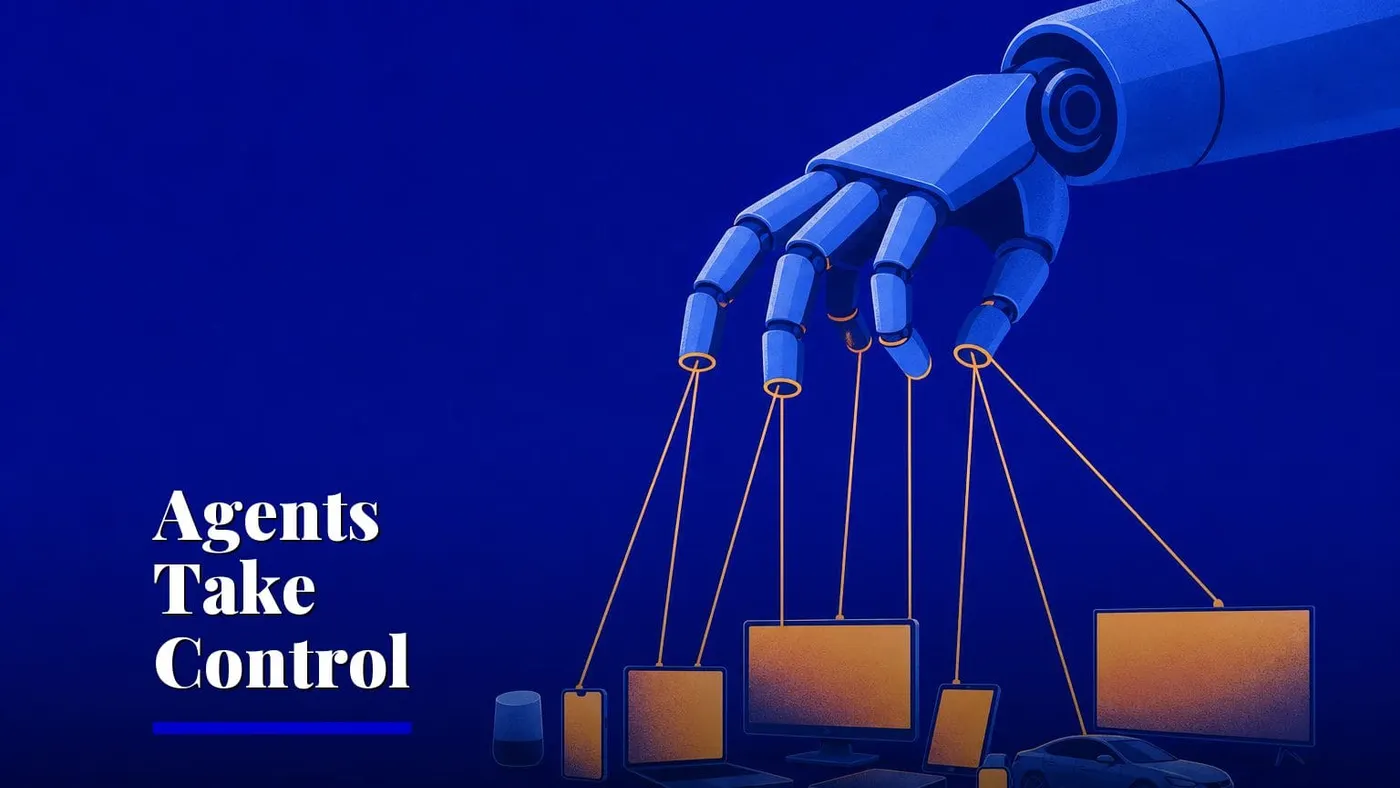
When an AI agent like Claude Code or Cursor writes a patch for a mobile app, the developer must manually test it on a device, then report back. agent-device closes that loop by giving the agent its own eyes and hands on the device.
The maintainers' README lists six primary CLI actions — open, snapshot, press, fill, screenshot, and close S¹. An agent launches an application, captures an accessibility snapshot of whatever is on screen, taps a control, types into a field, optionally grabs a screenshot, then shuts the app down. Running agent-device mcp starts a server that makes the same actions available to any agent that communicates over the Model Context Protocol S¹. A typed Node.js client created through createAgentDeviceClient() lets teams embed the tool into bespoke agent runtimes S¹.
The platform coverage is wider than most tools in this space. The README names ten targets: iOS, Android, HarmonyOS, tvOS, Android TV, Fire TV, Amazon Vega OS TV, web, macOS, and Linux S¹. That spans phones, televisions, browsers, and desktop machines. Execution happens locally on simulators and emulators or remotely on physical hardware. Node.js 22.12 is the minimum version, and web automation specifically requires Node.js 24 or later S¹.
Vendor claims that still need outside scrutiny
Every capability, compatibility, and customer-usage assertion in the README originates with Callstack itself. No third party has confirmed that engineers at Expensify and Shopify actually rely on the tool, or that it underpins mobile automation inside e2e and T3 Code S¹. The maintainers say it works with Claude Code, Codex, Cursor, Windsurf, Cline, Goose, and any agent that can execute a CLI or connect through MCP S¹, but they have not released benchmarks comparing agent performance with and without the tool.
The wider trend is the push to give AI agents real-world interfaces. agent-device adds the device-control layer that other open-source agent projects do not provide.
For a mobile development team already using an AI coding agent, the practical first step is narrow. Pick one platform you already test manually and wire agent-device to your agent via the MCP server. Run a single cycle: have the agent write a change, then use agent-device to snapshot the result. If the accessibility tree is rich enough to confirm the change worked, you have replaced a manual step. If it is not, the 117 open issues are where to look for what is missing.
The project's homepage at agent-device.dev is the next place to watch for documentation beyond the README P².
Sources: S1 — callstack/agent-device: Open source device layer for AI coding agents: · P2 — callstack/agent-device · P3 — Explore GitHub · GitHub · P4 — nktkt/ai-papers-cli · P5 — huggingface/hf-mcp-server
Written from 5 sourced items, 4 of them primary.